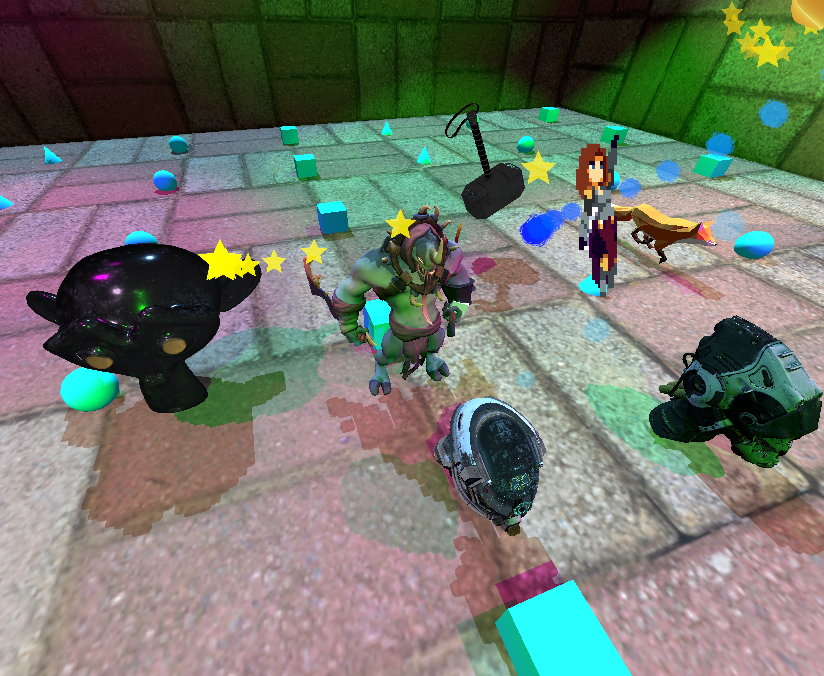
Mjolnir is a minimalistic game engine to help people enjoy game programming
To use Mjolnir in your odin code, run make shader to
compile shaders to SPIR-V and then copy mjolnir directory
to your project and start using mjolnir API. See examples
for common use cases.
And more in development
# Build and run in release mode
make run
# Build and run in debug mode and vulkan validation
make debug
# Build only (release mode)
make build
# Build only (debug mode)
make build-debug
# Build all shaders
make shader
# Run all tests
odin test . --all-packages
# run a single test called "test_name" inside "module_name"
odin test . --all-packages -define:ODIN_TEST_NAMES=module_name.test_nameThe engine is organized 3 layers with clear responsibility boundaries. Systems on the same level must not depends on each other directly or indirectly. For example Render module and World module must be able to independently developed by 2 different teams without much communication.
Lower Level Systems:
mjolnir/gpu/ - Vulkan context,
memory/texture/mesh management, swapchain, pipeline helpersmjolnir/containers/ -
Generic data structures (handle pools, slab allocators)mjolnir/geometry/ - Camera,
transforms, primitives, BVH, octree, AABB, frustummjolnir/animation/ -
Skeletal animation supportHigher Level Systems:
mjolnir/render/ - Frame
graph-driven render pipeline
render/graph/ — declarative frame graph (resource
aliasing, barrier inference, pass scheduling)mjolnir/world/ - Scene graph,
GLTF/OBJ loadingmjolnir/physics/ - Rigid body
dynamics, collision detectionmjolnir/navigation/ -
Recast + DetourEngine System:
mjolnir/engine.odin - Final
integration point, user-facing APIFor more information, see usage (WIP)
mjolnir/shader/ organized by render
passmake shader to rebuild all shaders. It’s fast and
incremental, you need not to build individual shadercompute.comp,
compact.comp, emitter.compculling.comp for visibilitymake capture